How Movers Protect Electronics During a Move
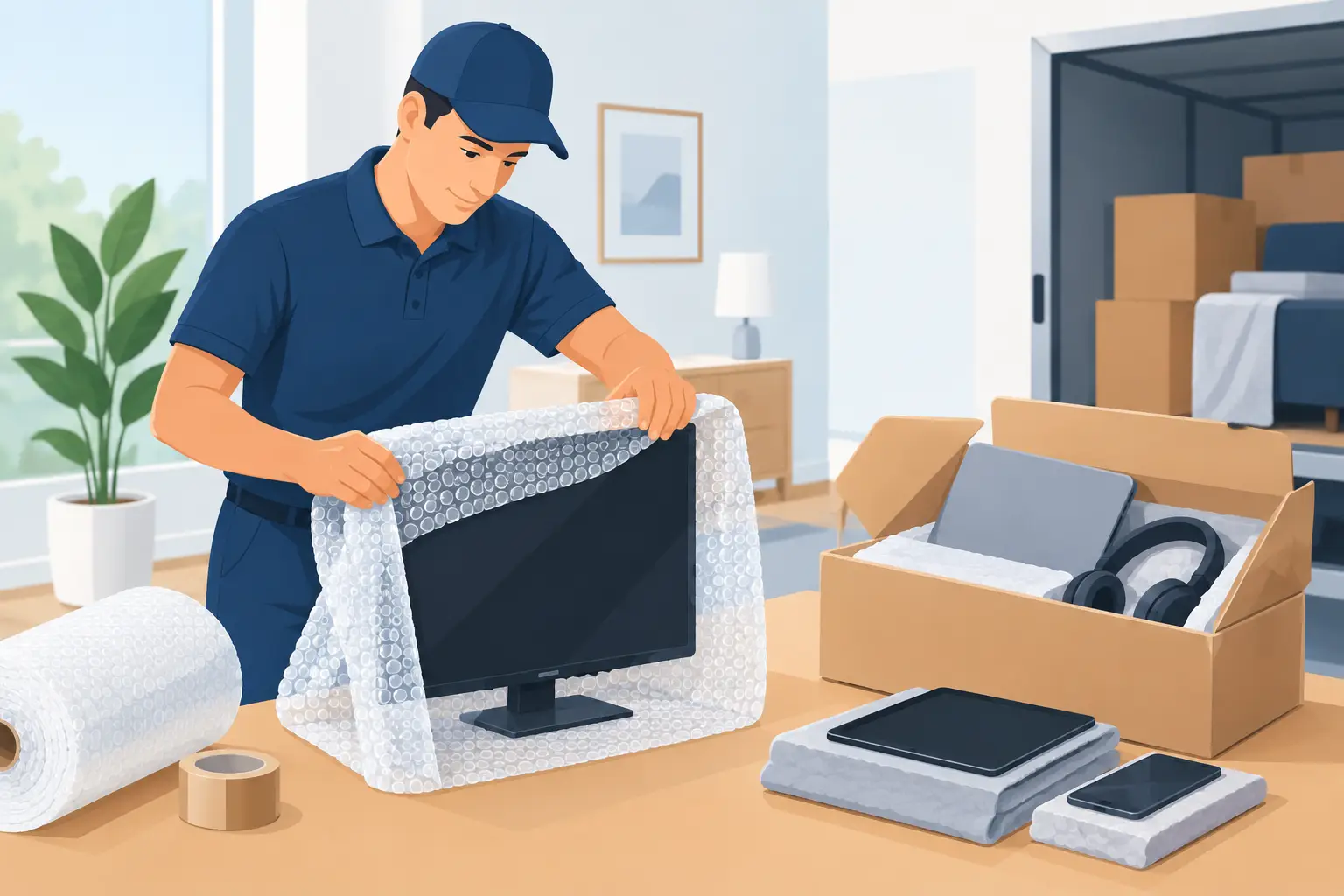
A flat-screen TV, desktop computer, gaming system, or home office monitor can be one of the most stressful items to move. These belongings are expensive, awkwardly shaped, and more vulnerable than they look. The good news is that how movers protect electronics is not a mystery. It comes down to the right materials, careful handling, secure truck loading, and a plan for every handoff from pickup to delivery.
For households and businesses, professional packing can reduce the risk of cracked screens, loose internal components, scratched finishes, and damage caused by shifting in transit. The level of protection should match the item, the distance of the move, the time of year, and whether the electronics will go directly to a new location or into storage.
How Movers Protect Electronics Before Packing
Protection starts before a single box is closed. Experienced movers inspect the item, identify fragile areas, and decide whether it needs its original packaging, a specialty carton, or custom padding. A 75-inch television, for example, needs a very different approach than a small printer or a cable box.
Whenever possible, electronics should be powered down, unplugged, and allowed to cool before packing. This is especially helpful for computers, game consoles, routers, stereo components, and other equipment that may retain heat. Batteries should be removed when practical, and loose accessories should be gathered before the equipment is wrapped.
For computers and workstations, movers may recommend backing up important files before moving day. Packing protects the equipment itself, but a backup protects the information that cannot be replaced. Businesses should also make sure sensitive drives, passwords, and confidential records are managed by the appropriate team member before the move begins.
Taking a few quick photos of cable connections can make reassembly easier at the new home or office. Labels on cords, remotes, chargers, and mounting hardware prevent the frustrating question of which accessory belongs to which device.
The Right Materials Make a Difference
Electronics are not safely protected by tossing them into a standard carton with a blanket on top. Proper packing uses clean, dry materials that cushion the item and prevent movement inside the box.
Original manufacturer boxes are usually the best option when they are still available and in good condition. They are designed around the device’s dimensions and often include fitted foam. However, original boxes are not required. Professional moving companies can use specialty TV boxes, adjustable picture cartons, heavy-duty double-wall boxes, foam corners, packing paper, bubble wrap, moving pads, and stretch wrap to create the right level of protection.
Screens need special attention. A television or monitor screen should be covered with a soft protective layer first, then reinforced with padding that does not place direct pressure on the display. Foam corners and a fitted TV carton help protect the edges, which are often vulnerable during carrying and loading. The screen should never be laid flat under heavy items.
Smaller electronics are generally wrapped individually, with empty space in the box filled so the items cannot shift. Packing paper works well for separating components, while bubble wrap and foam provide impact protection. Cables should be bundled without pulling them too tightly, since hard bends can damage connectors over time.
Careful Handling Matters as Much as Packing
Even the best box needs careful hands. Electronics are carried upright when appropriate, kept away from wet or dirty surfaces, and handled with attention to their center of gravity. Large TVs and oversized monitors often require two trained movers, especially when navigating stairs, narrow hallways, or tight turns.
Professional crews also use equipment that helps prevent impact damage. Dollies, hand trucks, appliance straps, moving pads, and doorway protection make it easier to move bulky items without bumping walls, dropping a corner, or putting unnecessary pressure on a screen. For commercial moves, equipment may need to be staged in a specific order so essential workstations and technology can be set up quickly after delivery.
This is one reason a full-service move can be worth considering. Packing, carrying, loading, and unloading work better when one trained team follows the same protection plan from start to finish. A locally owned company such as Newcomer Movers can also help customers coordinate packing, moving, storage, hauling, and specialty handling through one reliable point of contact.
Secure Loading Prevents Damage on the Road
The truck is where packing choices are tested. Electronics should not be loaded loose, stacked under furniture, or placed in an area where they can slide when the truck brakes or turns. Professional movers build tiers inside the truck, using moving pads, straps, and load bars to keep belongings stable.
TVs, monitors, and framed electronic displays are typically placed upright in a protected section of the truck. They are secured between padded items or within specialty cartons, not compressed under heavy furniture. Computers and smaller boxed electronics are loaded where they will remain dry, level, and protected from shifting cargo.
The route and distance matter, too. A local move may involve only a short drive across Toledo, while a long-distance move across several states means more time in transit and more handling at each stop. Longer moves call for especially secure packing, clear labeling, and a detailed inventory of high-value equipment.
Weather and Storage Require Extra Planning
Ohio weather can add another concern. Rain, snow, humid summer days, and freezing temperatures all make planning more important. Movers protect electronics from moisture by using covered loading procedures, clean pads, dry cartons, and direct transfer into the truck whenever possible. Electronics should not sit outside on a wet driveway or exposed porch while the crew handles other items.
Temperature is also a factor, particularly for storage. Most household electronics can tolerate short periods in a moving truck, but they should not be exposed to severe heat, cold, or humidity longer than necessary. If equipment is heading into storage, climate-controlled storage is often the better choice for televisions, computers, audio gear, servers, and other sensitive electronics.
It depends on the item and the length of storage. An inexpensive older printer may not need the same conditions as a high-end home theater system, a business server, or a collection of photography equipment. When in doubt, ask about the storage environment before moving day rather than after the equipment has already been packed away.
What Customers Should Do Before Movers Arrive
Professional movers can handle the heavy work, but a little preparation from the customer improves the process. Keep remotes, cables, chargers, mounting screws, and small accessories together in labeled bags. Place those bags in the same box as the matching device when possible, or carry essential accessories with you.
If a device contains highly personal or business-critical information, consider transporting it yourself. Laptops, external hard drives, phones, tablets, and irreplaceable data may be better kept in your personal vehicle, even when movers pack and transport the rest of the electronics. This is less about distrust and more about keeping critical items immediately accessible.
Customers should also point out anything that needs special attention. Let the moving crew know about a delicate curved monitor, a wall-mounted TV that needs removal, a custom-built computer, or equipment that must stay upright. Clear communication helps the crew bring the proper materials and plan the safest route through the property.
Questions to Ask Before Booking Electronics Moving Help
Before selecting a mover, ask how they pack TVs and monitors, whether specialty cartons are available, and how items are secured inside the truck. If storage is involved, ask whether climate-controlled options are available and how access, inventory, and pickup are handled.
For an office move, ask about labeling, workstation setup priorities, after-hours scheduling, and the handling of sensitive equipment. A good moving plan is not only about avoiding damage. It is also about reducing downtime and making sure the equipment customers need first is easy to find when the move is complete.
Electronics deserve a little more than a blanket and a hope for the best. With professional packing, secure loading, and a crew that treats every item with care, your TV, computer, and connected equipment can arrive ready for the next chapter – whether that is across town, across Ohio, or across the country.